
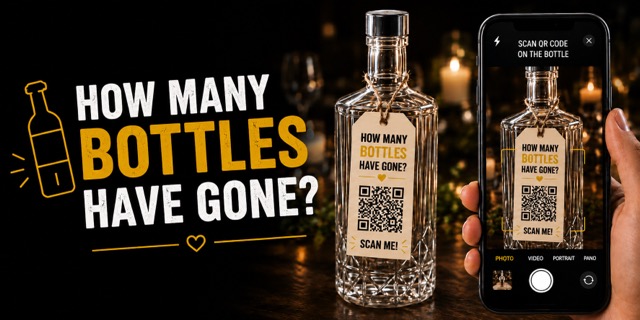
How Many Bottles?
QR codes on bottles — stickers or tags, points for the whole table.
5.0 on the App Store
Checklist, guest list, budget, schedule, wishlist and table placement — Wevowly turns months of wedding chaos into one calm, shared plan.
 Free on iPhone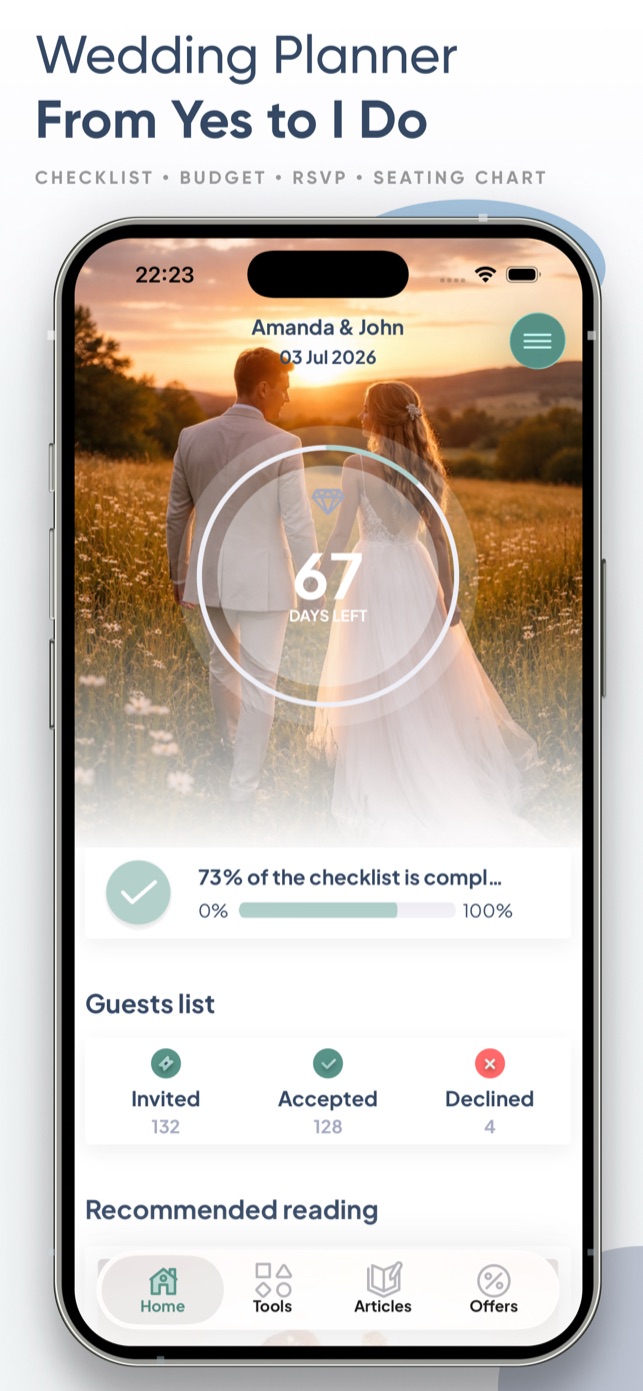
Your AI wedding planner
Wela is a personal wedding consultant in your pocket. She knows your budget, guest list and timeline — answers about your wedding, not with generic advice, and can act on it right away.
Ask her, for example
New · Wedding games
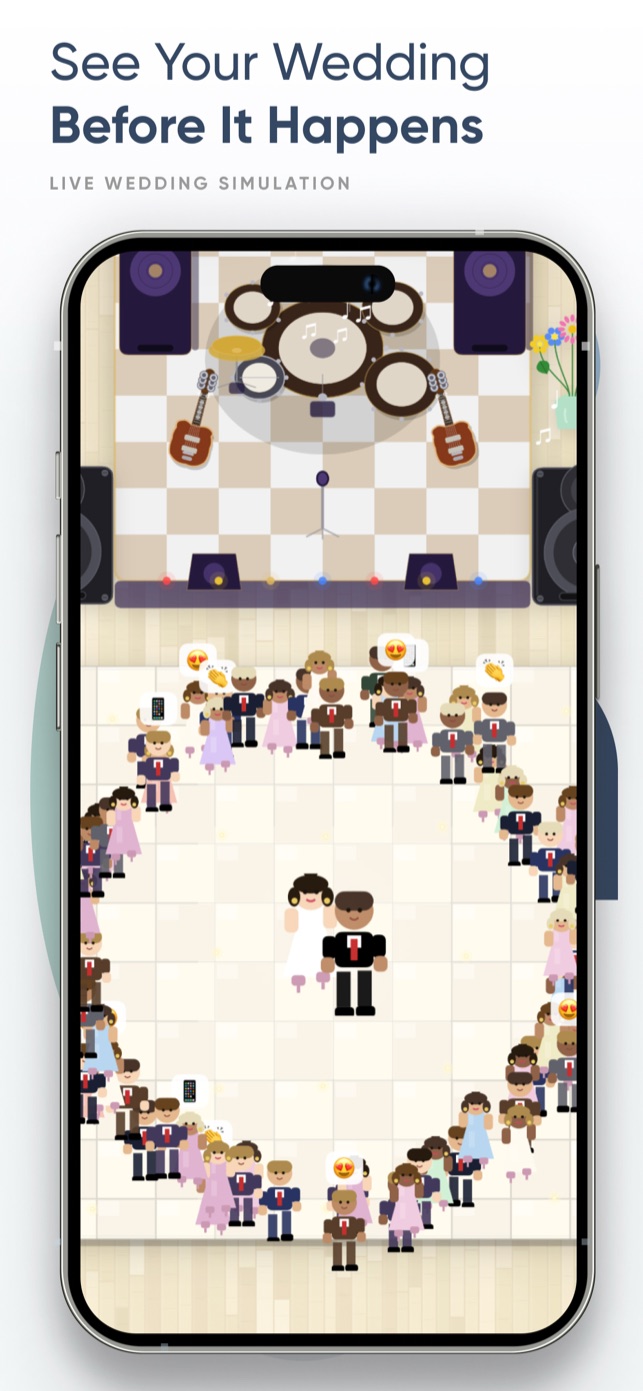
Three games, one leaderboard. Guests join with a single QR scan — no app install — and every point counts for their whole table.
QR codes on bottles — stickers or tags, points for the whole table.
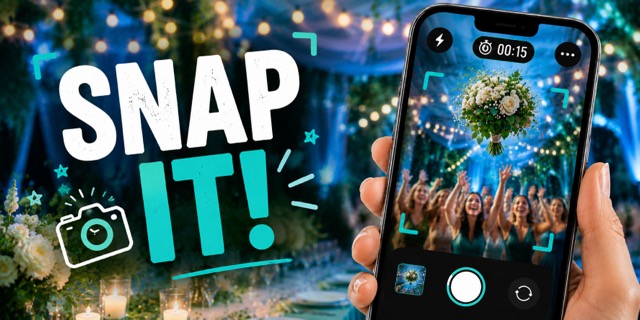
Photo challenges for guests — Wela AI judges the shots, the whole table scores.
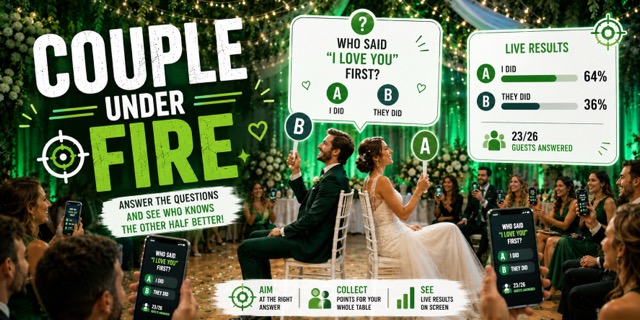
Guests send questions through your wedding website — you answer live on the floor.
Available as a one-time purchase in the app
New · Wedding website
Directions, schedule, menu and wishlist — all behind one elegant link that doubles as your invitation. Guests RSVP online, and QR cards take them straight to the page.
Share the page by link, message or QR code. Guests confirm with one tap — diets and plus-ones included — and every answer lands straight in your guest list.
Colors, photos and content tailored to your wedding's style — the page looks exactly how you want it.
Auto-generated, print-ready cards for every table — guests scan and instantly add photos or guestbook entries.
Elegant business-card-size backs with your QR code — perfect for invitations or to hand to guests.
Everything in one place
From the first to-do to the last seat at the table — every part of your wedding lives in one shared space.
Together
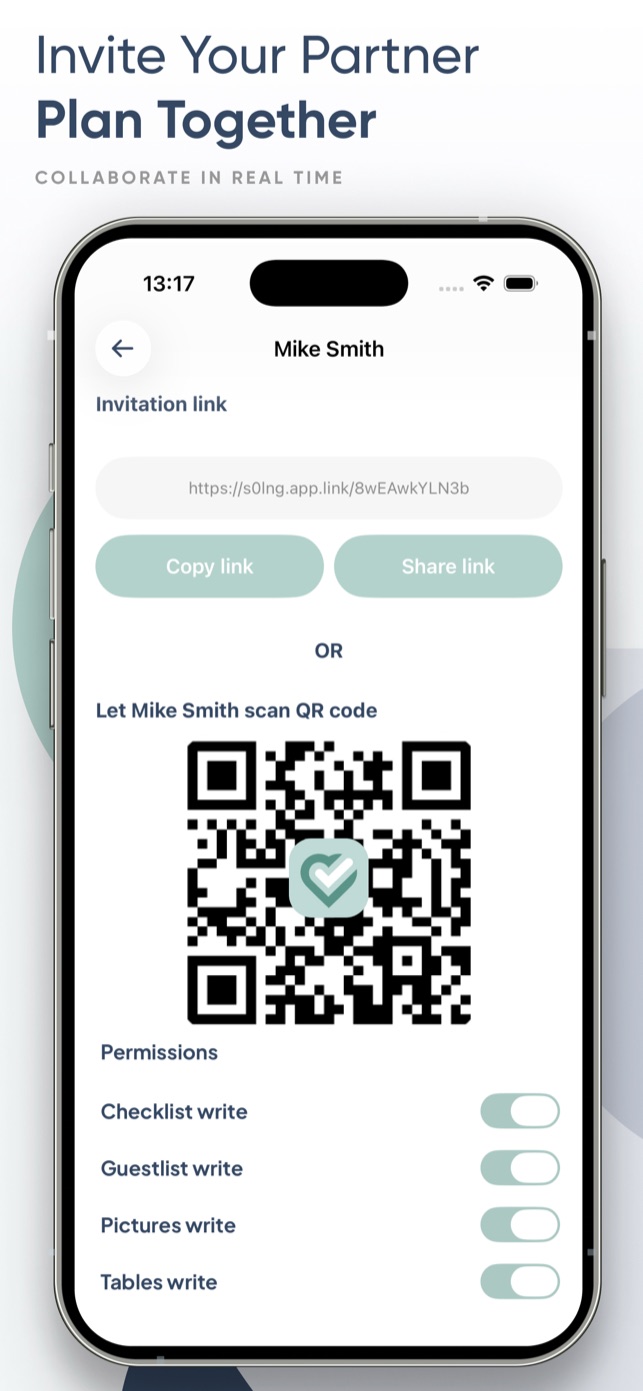
Invite your partner — or your whole family — and watch tasks, budgets and RSVPs update for everyone in real time.
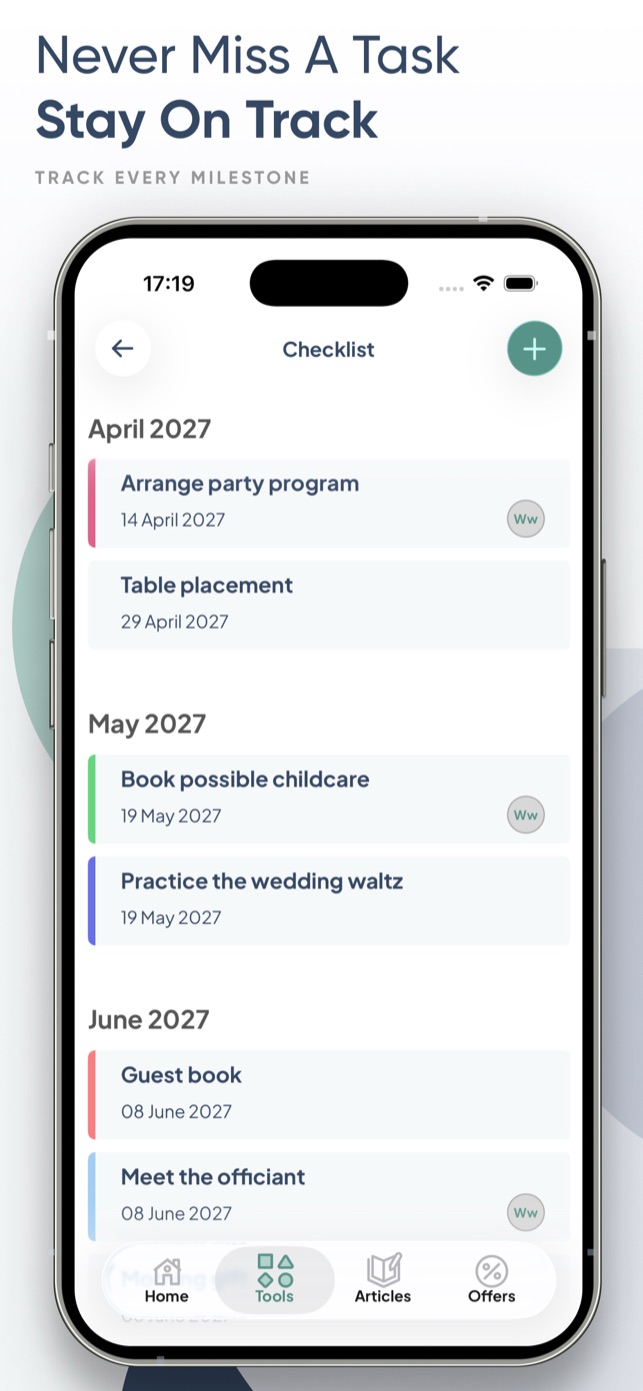
Tick off every milestone on the road to “I do”.
Diets, plus-ones, confirmations — exportable to Excel or PDF.
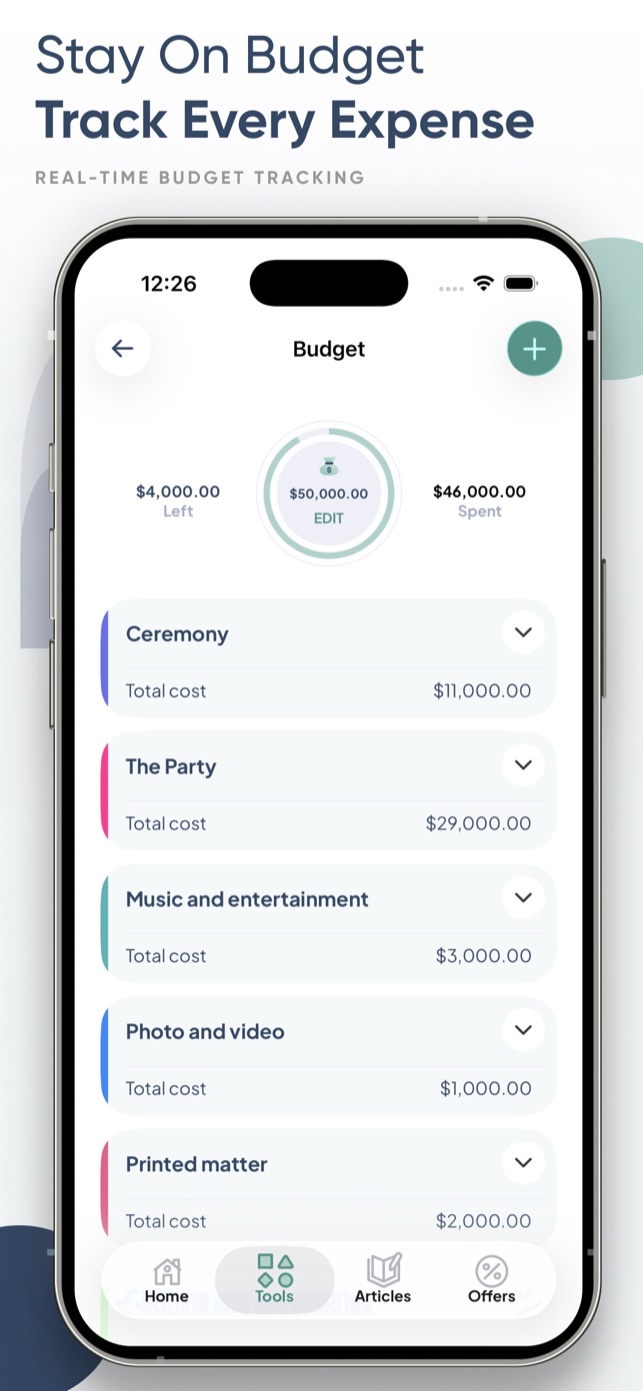
Every expense in view, nothing slips through.
Your big day, hour by hour.
Smart seating
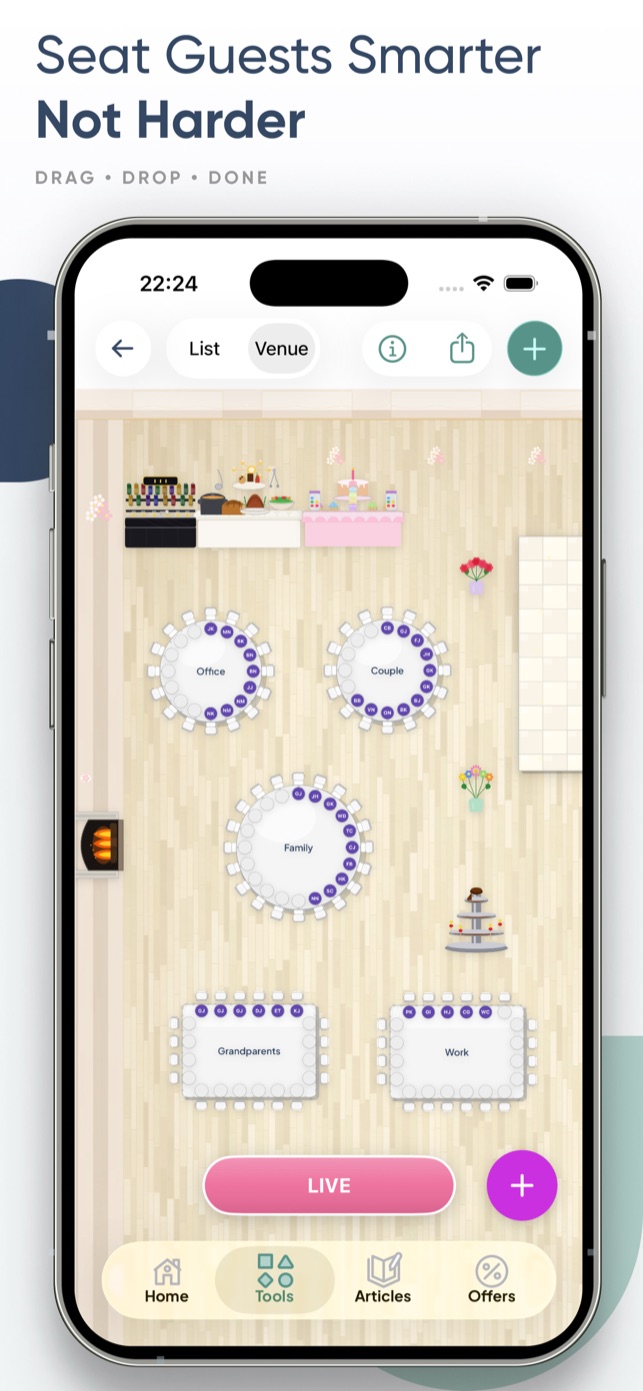
Drag-and-drop table placement that remembers who can’t sit next to whom — and prints elegant place cards when you’re done.
Dream gifts, shared with your guests.
Inside the app
Just landed
Three fresh reasons to plan with Wevowly — from print-ready place cards to keepsakes you’ll hold forever.
New · Place cards
Choose a design and Wevowly fills in every guest’s name from your list — one beautiful, print-ready PDF.
New · Photobook
Turn the photos your guests captured into a beautiful printed photobook — designed in the app in minutes.
New · Guestbook
Guests scan a QR code and leave their wishes with their names — collected in one keepsake guestbook.
Three steps
Get Wevowly on the App Store — the core tools cost nothing.
Create your wedding and the countdown starts immediately.
Split the tasks and plan the dream wedding together.
For professionals
With a planner subscription you manage every client wedding — guest lists, budgets and timelines — from a single account, with all premium tools included.
Questions
Yes — the app and its core tools (checklist, guest list, schedule, budget, wishlist) are free. Selected premium tools are affordable one-time in-app purchases.
Wela is Wevowly’s built-in AI wedding planner. Ask her anything — by chat or voice — and she answers using your actual wedding data: budget, guest list and timeline. She can also act on it, adding tasks and expenses for you.
Absolutely. Invite your partner, family or friends, split the tasks, and see each other’s progress in real time.
Wevowly is available for iPhone on the App Store, in English, Polish and Swedish.
Yes — export the full list with RSVPs, diets and plus-ones as Excel or PDF at any time.
Create your wedding website in the app and share it as a link, message or QR code — that’s your invitation. Guests open it, see all the details and RSVP online, including diets and plus-ones. Every answer appears instantly in your guest list.
Print a QR code for each table. Guests scan it and upload photos straight to your shared gallery — no app install needed.
Free on iPhone · In-app purchases available




 Garden party
 First dance